


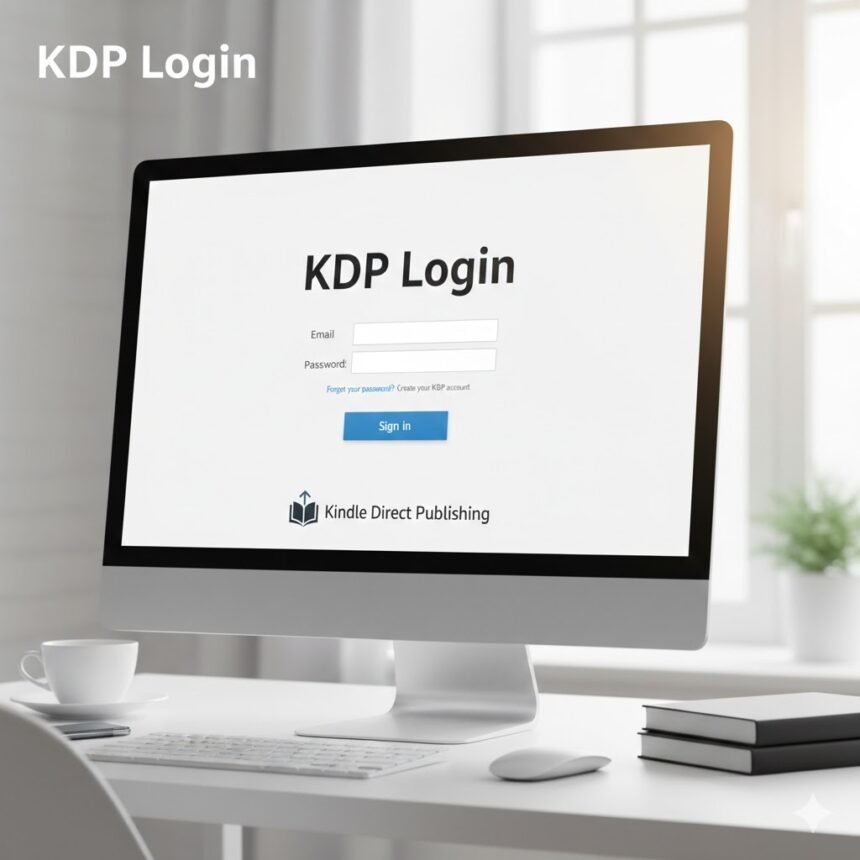
Introduction
Have you ever wondered how some authors effortlessly publish their books and reach millions of readers worldwide? It all starts with one simple but crucial step: the KDP login. Kindle Direct Publishing, or KDP, has transformed the publishing world, allowing writers to self-publish eBooks and paperbacks without traditional barriers.
Logging into KDP is more than a technical step. It’s the gateway to managing your author career, from uploading manuscripts to tracking sales. Once inside, the platform offers tools, analytics, and options that help you take full control of your publishing journey.
What is KDP Login?
KDP login is your access point to Kindle Direct Publishing. It’s the control centre where authors manage everything, from book uploads to royalties. Without logging in, you can’t publish, edit, or monitor your work.
The dashboard provides an overview of your current titles, upcoming releases, and sales performance. You can also format manuscripts, set pricing, and schedule promotions. In short, KDP login is your entry to complete publishing independence.
How to Access Your KDP Account
Accessing KDP is simple. Use your Amazon account credentials to log in. New users can create a free KDP account using their Amazon login.
Sometimes, Amazon requires two-factor authentication for security. Make sure your phone or email is ready to receive verification codes. Once logged in, your dashboard becomes the hub for publishing, monitoring sales, and managing promotions.
Why KDP Login Matters for Authors
KDP login is more than a password—it’s your gateway to self-publishing freedom. Unlike traditional publishing, KDP lets you decide what to publish, when, and at what price.
Logging in regularly ensures you can track sales in real-time, make updates, and adjust marketing strategies. It’s also where you monitor royalties, analyze trends, and optimize your publishing efforts for maximum success.
Key Features Available After KDP Login
Once you log in, a suite of tools becomes available. The first is book upload—you can upload manuscripts, cover designs, and metadata. Amazon’s formatting tools help make your book professional and reader-ready.
Pricing and royalties are next. You can choose between 35% or 70% royalty rates, depending on your book’s price and distribution. Distribution options allow global or region-specific sales.
Reports and analytics give you insights into sales, trends, and royalties. Marketing tools help boost visibility through promotions, increasing your book’s reach. All these features make KDP login the gateway to author success.
Troubleshooting Common KDP Login Issues
Most authors log in without problems, but occasional issues arise. Forgotten passwords can be reset using the “Forgot password?” link. Browser issues often fix themselves by clearing cache or trying a different browser.
Some accounts require identity verification if unusual activity is detected. Ensure your account information matches your Amazon records. Two-factor authentication problems can occur, so make sure your device receives the verification code.
Steps to Publish After KDP Login
Publishing on KDP starts after login. Click “Create New Title” and choose eBook or paperback. Enter book details including title, author name, description, and keywords. This ensures your book is discoverable.
Next, upload your manuscript and cover. Using formatting tools ensures a professional look. Set pricing, royalties, and distribution regions. Review everything and click Publish. Quick tips in bullet points:
- Keep manuscript formatting clean and consistent.
- Create a professional, eye-catching cover.
- Use targeted keywords for discoverability.
- Double-check metadata before publishing.
Benefits of Regular KDP Login
Logging in frequently is strategic, not just routine. Authors can track sales trends, update content, and launch promotions promptly.
Frequent dashboard checks help you stay informed about platform updates, marketing tools, and policy changes. Monitoring analytics allows for smarter decisions on pricing, campaigns, and future writing projects. Regular KDP login keeps you proactive rather than reactive.
FAQs About KDP Login
Do you need a separate account for KDP? No. Your existing Amazon account works perfectly. Just log in with your credentials.
Can you manage multiple books after KDP login? Yes. You can handle multiple titles, monitor sales, and manage promotions for each one.
What if you forget your Amazon password? Amazon has a “Forgot password?” link for resetting via email. It’s secure and quick.
Is KDP free to use? Yes. There are no upfront fees. Amazon earns a commission only when your book sells.
Can you access KDP on mobile? Absolutely. The platform is mobile-friendly, allowing you to manage books and track sales from smartphones or tablets.
Tips for Maximizing Your KDP Experience
To get the most out of KDP, check your sales and royalties regularly. Keep manuscripts well-formatted and covers visually appealing. Enroll in promotional programs to boost visibility.
Other tips include experimenting with keywords and categories to improve discoverability, responding to reader feedback, and updating content when needed. Treat KDP as a dynamic platform to maximize success.
Conclusion
The KDP login is your doorway to independent publishing. Logging in gives you access to tools, analytics, and options that allow you to control your books and career. From uploading and formatting to pricing and global distribution, KDP provides everything in one place. Regular access ensures you stay proactive, make informed decisions, and optimize your publishing potential. Mastering KDP login is the first step toward a successful self-publishing journey.